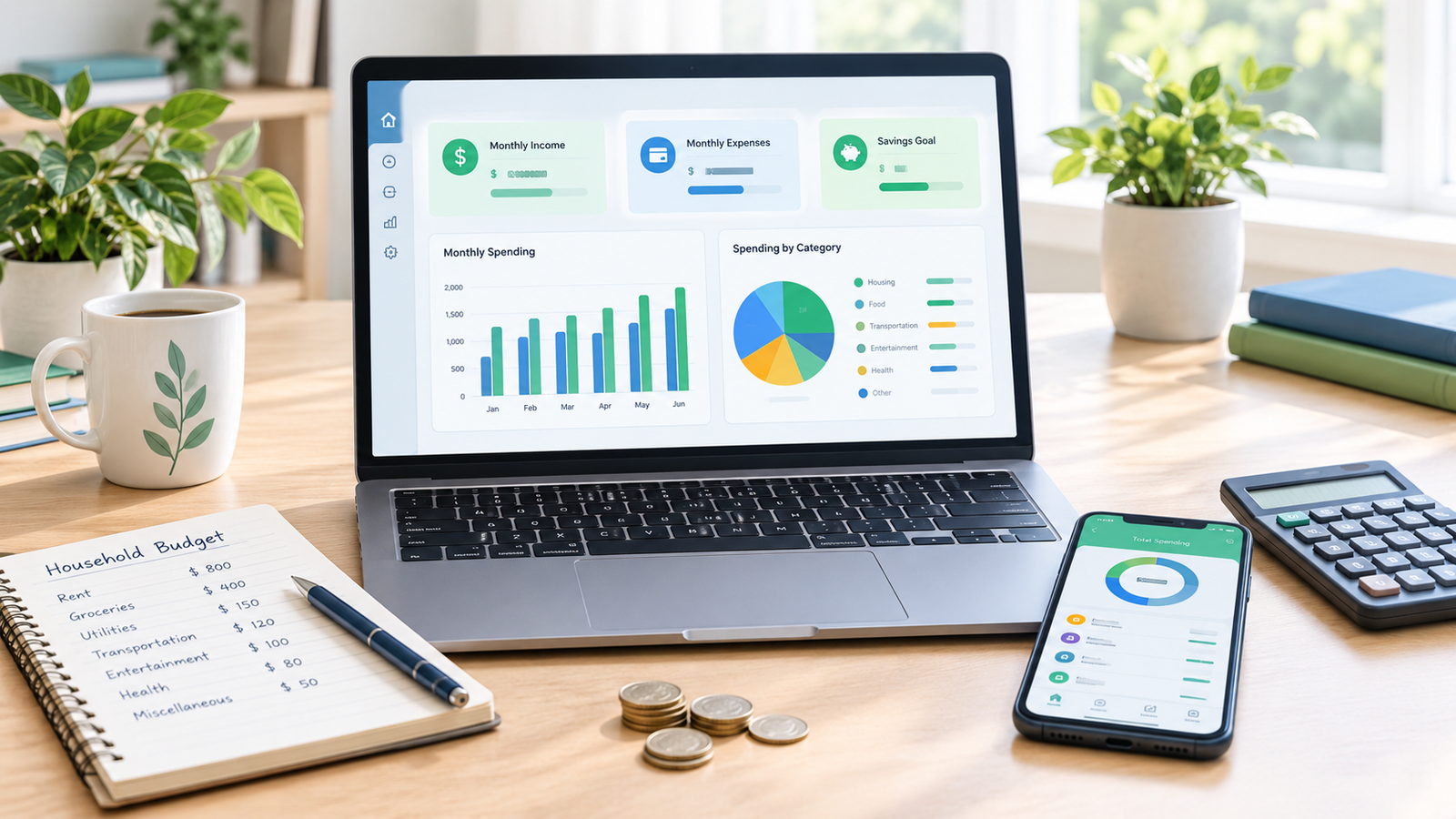
Best software for managing personal finances: compare top budgeting tools, track expenses, manage savings, and choose the right app for your needs. Managing money sounds simple until bills, groceries, subscriptions, savings, and unexpected expenses start competing for the same paycheck. You might earn enough to cover your needs, yet still wonder where your money went by the end of the month. This is where the best software for managing personal finances can make a real difference. The right tool helps you track spending, organize your budget, monitor savings, and make better financial decisions without relying on memory or scattered notes.
Personal finance software comes in several forms. Some apps focus on everyday expenses, while others offer detailed budgeting, investment tracking, debt management, or long-term financial planning. The best choice depends on your financial goals, preferred device, budget, and the features you actually need. In this guide, we will explore useful options, compare their strengths, and explain how to choose software that fits your everyday life.
What Is Personal Finance Software?
Personal finance software is a digital tool that helps you organize and manage your money. It can record income, categorize expenses, create monthly budgets, track savings, monitor debt, and show how your financial situation changes over time. Depending on the software, you may enter transactions manually, import bank statements, or connect eligible financial accounts for automatic updates.
For example, imagine you receive your salary at the beginning of each month but struggle to keep track of smaller purchases. A personal finance app can show how much you spend on food, transport, shopping, and subscriptions. Instead of guessing where your money went, you can review a clear record and decide what to change next month.
Best Software for Managing Personal Finances
The best personal finance tool is not necessarily the one with the most features. It is the one that makes managing your money easier and encourages you to check your finances regularly. The following options serve different needs, from simple expense tracking to advanced financial planning.
1. YNAB: Best for Building a Realistic Budget

Best for intentional spending and savings
YNAB is designed around giving every dollar a purpose. You plan how to use the money you already have, assigning it to expenses, savings, debt payments, and other priorities. This approach can help you stop treating your bank balance as money available to spend freely.
YNAB is particularly useful if you want to change your spending habits rather than simply record purchases. Its budgeting method encourages you to make deliberate decisions before spending, although it takes some time to learn. It is a paid service, so check its current subscription price and whether its account connections support your country before signing up.
2. Quicken Simplifi: Best for Everyday Money Management

Best for spending plans and cash flow
Quicken Simplifi brings income, bills, spending, savings goals, and account balances into a single financial overview. It can help you understand what money is coming in, what is going out, and how much you may have available for upcoming expenses.
This software can be helpful when you have several recurring bills and want to see how they affect your monthly budget. Its reports and spending plans reduce the need to calculate everything manually. However, availability and automatic bank synchronization depend on your location and supported institutions, so check compatibility before purchasing a subscription.
3. Monarch Money: Best for Managing Household Finances

Best for a combined financial picture
Monarch Money helps bring budgets, transactions, savings goals, investments, and net worth into one dashboard. It is especially useful for people who want to understand their overall financial position instead of looking at individual accounts separately.
For example, a couple managing rent, household bills, savings, and investments may find it easier to review their finances together. The software offers tools for organizing financial information and tracking progress toward shared goals. It is subscription-based, and users outside its supported markets should verify regional access and account-linking options.
4. Empower Personal Dashboard: Best for Tracking Investments and Net Worth

Best for investment visibility
Empower Personal Dashboard focuses on understanding your broader financial picture, including eligible investment accounts, assets, liabilities, and net worth. It can be useful for people who already save and invest and want to see how their overall position changes over time.
This is different from a basic expense tracker. Rather than focusing only on what you bought yesterday, it helps you look at your assets and debts together. Its core dashboard is offered without a subscription, but account availability, investment features, and regional access may vary. It should not be treated as a guarantee of investment performance or a replacement for professional financial advice.
5. Goodbudget: Best for Envelope Budgeting

Best for controlling everyday spending
Goodbudget uses the envelope budgeting method. You divide your planned income into categories such as groceries, transport, rent, entertainment, and savings. When you spend money, you record it against the relevant envelope to see how much remains.
Suppose you set aside a fixed amount for groceries each month. Goodbudget helps you monitor that category rather than accidentally using money intended for another bill. Its free and paid plans have different limits and features. It is a strong option for people who prefer planned spending and do not need every transaction to sync automatically with a bank.
6. Money Manager: Best for Simple Expense Tracking

Money Manager
Best for recording daily transactions
Money Manager helps you record income and expenses, organize spending categories, track account balances, and review financial reports. It is a practical choice if you want a clear record of your money without learning a complicated budgeting system.
You can enter purchases as they happen and review your spending at the end of the week or month. That makes it useful for students, salaried workers, and anyone trying to build better money habits. Some features may require payment, and manual entry is often the simplest option if your bank is not supported by automatic synchronization.
7. GnuCash: Best Free Desktop Finance Software

Best for detailed financial records
GnuCash is free, open-source accounting software that uses a double-entry bookkeeping system. It supports accounts, income and expense tracking, reports, and detailed financial records, making it suitable for people who want more control over how their money is recorded.
Its accounting approach can feel more complicated than a typical budgeting app, particularly if you have never used bookkeeping software. Still, it is worth considering if you want a desktop tool without a recurring subscription. You can learn more and download it from the official website at gnucash.org.
8. Google Sheets: Best Free Customizable Budgeting Tool

Best for flexible personal budgets
Google Sheets lets you create your own expense tracker, monthly budget, savings plan, and debt repayment schedule. You can customize categories, use formulas to calculate totals, and build charts to understand your spending patterns without paying for dedicated budgeting software.
For example, you could create columns for the date, expense category, planned amount, actual spending, and remaining balance. A few basic formulas can calculate whether you are staying within your budget. The trade-off is that you must enter or import your transactions yourself, and you need to protect any sensitive financial information stored in your spreadsheet.
9. Wallet by BudgetBakers: Best for Visual Spending Reports

Best for budgets and financial summaries
Wallet helps users organize transactions, build budgets, track planned payments, and review spending through visual reports. It can be useful if you prefer seeing your financial activity broken into categories instead of reading a long list of transactions.
The software may also offer account synchronization and additional features through paid plans, depending on the country and provider. Before relying on it, check currency support, export options, and whether your bank is compatible. You can find more information at budgetbakers.com.
10. PocketSmith: Best for Forecasting Future Cash Flow

Best for looking ahead financially
PocketSmith combines transaction tracking and budgeting with cash-flow forecasting. Depending on the plan and setup, it can help you explore how recurring income, regular bills, and planned expenses may affect your future balances.
This can be valuable if your income varies or you are planning a large purchase. Instead of asking only whether you can afford something today, you can consider how it might affect your finances in the weeks or months ahead. PocketSmith has free and paid options, but available features and bank connections vary, so review the current plan details before choosing it.
How to Choose the Best Personal Finance Software
Choosing the right tool starts with understanding what you want to improve. If your main problem is overspending, look for clear budgets and spending limits. If you already manage your monthly expenses well but want to grow your savings, prioritize savings goals and cash-flow reports. If you hold investments, look for net-worth tracking and portfolio summaries. A tool that solves your biggest financial problem is usually more valuable than one packed with features you will rarely use.
Consider Your Budget
Free personal finance software can be enough for many people. Google Sheets, GnuCash, and the free versions of certain budgeting apps provide useful ways to organize money without adding another monthly bill. Paid software may be worthwhile if its automation, reporting, or forecasting features save you time and help you make better decisions. Compare the subscription price with the actual benefits you expect to receive.
Check Bank and Currency Compatibility
Bank connectivity is one of the most important features to investigate before choosing an app. Some services connect directly to supported financial institutions, while others require manual entries or statement imports. If you use Pakistani banks or keep your money in PKR, check local availability carefully. A budgeting app may support multiple currencies without supporting automatic connections to your particular bank.
Look for Strong Privacy and Security
Personal finance apps can contain sensitive information about your income, purchases, debts, and savings. Before creating an account, review how the provider stores and protects data, whether it uses encryption, what permissions it requests, and whether you can export or delete your records. Use a strong, unique password and enable multifactor authentication when available. Avoid sharing banking passwords or verification codes with anyone.
Choose Software You Will Actually Use
A complicated tool can become another unfinished task. If you prefer entering expenses on your phone, choose an app with a convenient mobile interface. If you like working with tables and formulas, a spreadsheet might suit you better. Try the free version or trial where available, record your expenses for a few weeks, and see whether the process feels manageable before committing to a paid plan.
Personal Finance Software Comparison
The following table provides a quick comparison of the tools covered in this guide. Exact pricing and feature availability can change, so check each provider’s official website before making a decision.
| Software | Main strength | Cost model | Best suited to |
|---|---|---|---|
| YNAB | Purpose-based budgeting | Paid | Building disciplined spending habits |
| Quicken Simplifi | Spending plans and cash flow | Paid | Everyday money management |
| Monarch Money | Combined financial overview | Paid | Household finances |
| Empower | Investment and net-worth tracking | Free core dashboard | Investors |
| Goodbudget | Envelope budgeting | Free and paid | Category-based spending |
| Money Manager | Daily expense records | Free and paid features | Beginners |
| GnuCash | Detailed bookkeeping | Free | Desktop users |
| Google Sheets | Flexible budget templates | Free for basic personal use | Manual tracking |
| Wallet | Visual spending reports | Free and paid features | Budget monitoring |
| PocketSmith | Cash-flow forecasting | Free and paid plans | Financial planning |
How to Manage Your Money With Personal Finance Software
Step 1: Calculate Your Monthly Income
Start by recording your regular take-home income, including salary and other reliable sources. If your earnings change each month, use a conservative estimate rather than assuming you will always receive your highest possible income. This gives you a realistic starting point for planning expenses and savings.
Step 2: Record Your Essential Expenses
Add recurring costs such as rent, utilities, groceries, transport, insurance, loan payments, and education. Include irregular expenses that do not arrive every month, such as annual fees, car maintenance, or home repairs. Setting aside money for these costs can prevent them from disrupting your budget when they appear.
Step 3: Review Your Everyday Spending
Track smaller purchases as well as large bills. Snacks, delivery fees, subscriptions, and spontaneous shopping may seem insignificant individually, but they can add up over time. Review your transactions weekly so you can spot patterns while there is still time to adjust your spending.
Step 4: Set a Realistic Savings Target
Choose a savings amount that fits your actual income and obligations. You might start with a small emergency fund, save for education, or build a reserve for an upcoming purchase. The goal is consistency, not setting an unrealistic target that forces you to abandon your budget after a few weeks.
Step 5: Review Your Progress Every Month
At the end of the month, compare your planned spending with your actual transactions. Look for categories where you regularly spend more than expected and decide whether to reduce those expenses or adjust the budget. Your first budget does not need to be perfect. It needs to give you useful information so you can improve the next one.
Common Mistakes to Avoid When Using Budgeting Software
One common mistake is choosing an app based on its features rather than your needs. Another is forgetting to record cash purchases or irregular bills, which makes your reports less accurate. Some people also set spending limits that are too restrictive, leaving no room for unexpected expenses or ordinary enjoyment. Start with realistic numbers, review them regularly, and treat your budget as a practical plan rather than a punishment.
You should also avoid assuming that automatic synchronization makes every transaction perfectly accurate. Bank connections can experience delays, duplicate entries, or categorization errors. Review imported transactions and correct mistakes when necessary. Finally, remember that financial software organizes information and supports decisions; it cannot guarantee that you will save money or eliminate debt without consistent action.
Is Free Personal Finance Software Good Enough?
Free software can be an excellent starting point if you mainly want to record income, track spending, and build a monthly budget. A spreadsheet or free expense tracker may provide everything you need, especially if your finances are straightforward. You do not have to pay for sophisticated reports simply because they are available.
Paid software becomes more attractive when you need advanced automation, shared household budgeting, forecasting, or consolidated account views. Before subscribing, identify the specific problem the paid features will solve. If the free version already helps you stay organized, there may be little reason to upgrade.
Conclusion
The best software for managing personal finances depends on your priorities, not just the popularity of an app. YNAB is worth considering for structured budgeting, Goodbudget is useful for envelope-based spending, Money Manager works well for everyday expense records, and Google Sheets offers a flexible free approach. For investment visibility, Empower may be useful where its services are available, while PocketSmith is worth exploring if forecasting is important to you.
If you are starting from scratch, keep things simple. Choose one tool, record your income and expenses consistently, and review your numbers every week. Over time, those small habits can help you understand your spending, prepare for unexpected costs, and make more confident decisions about your money.
Frequently Asked Questions
1. What is the best software for managing personal finances?
The best choice depends on your needs. YNAB is suitable for structured budgeting, Money Manager works well for daily expense tracking, and Google Sheets is a flexible free option. Compare features, costs, and regional availability before deciding.
2. What is the best free personal finance software?
Google Sheets and GnuCash are strong free options. Google Sheets is easier for creating a simple monthly budget, while GnuCash offers more detailed bookkeeping features for users comfortable with accounting concepts.
3. Can personal finance software automatically track expenses?
Yes, some apps can import transactions through supported bank connections or other integrations. Others require manual entry or statement imports. Automatic tracking depends on the provider, your financial institution, and your country.
4. Is personal finance software safe to use?
Reputable software can offer security measures such as encryption and multifactor authentication, but no service is completely risk-free. Review the privacy policy, check permissions, use a strong password, and avoid sharing sensitive banking credentials.
5. Which personal finance app is best for beginners?
Money Manager is a practical starting point for recording everyday expenses, while Goodbudget can help beginners plan spending by category. Google Sheets is another option if you prefer a simple spreadsheet and do not mind manual entry.
Read also: How to Fix Slow Internet Speed on a Windows Computer