the difference between a modem and a router for home internet, how they work together, and which device you need for faster, more reliable Wi-Fi. The difference between a modem and a router for home internet comes down to their main jobs. A modem connects your home to your internet service provider (ISP), while a router shares that connection with your phones, laptops, smart TVs, and other devices. Some homes use two separate devices, while others have a single unit that performs both functions.
Understanding how these devices work can help you choose the right equipment, fix common connection problems, and avoid spending money on hardware you do not need. Let’s look at what makes each device different and how they work together to keep your home connected.
What Is a Modem and How Does It Work?
A modem is a networking device that connects your home to an internet service provider. It communicates with the provider’s network and establishes the connection that allows data to travel between your home and the wider internet. Depending on your internet service, this device may connect through a cable line, a telephone line, or another supported connection technology.
Think of the modem as the link between your home and your internet provider. Without a suitable connection to the provider’s network, your home equipment cannot access the internet through that service. A traditional modem usually connects to a router using an Ethernet cable, although some modems also allow a computer to connect directly.
What Does a Modem Do?
The modem handles the connection between your home and your ISP. It receives incoming data, sends outgoing requests, and manages the communication required by your internet connection. For example, when you open a website, your request travels through your home network to the modem, which communicates with your provider so the requested information can reach you.
A modem does not usually create a Wi-Fi network on its own. However, many modern internet gateways combine a modem with a built-in router, so one device can provide both internet access and wireless connectivity. This distinction matters when you are shopping for equipment because a device labeled as a modem may not offer the Wi-Fi features you expect.
What Is a Router and Why Do You Need One?
A router connects devices within your home network and directs data between those devices and the internet. It allows your smartphone, computer, tablet, smart TV, and other compatible equipment to share a single internet connection. Most home routers provide Wi-Fi, while Ethernet ports allow devices to connect using physical cables.
Imagine that several people in your home are online at the same time. One person is watching a movie, another is attending a video meeting, and someone else is playing an online game. The router helps direct network traffic to the correct devices so everyone can use the connection without needing a separate internet subscription for each device.
What Does a Router Do?
A router creates your local network, assigns local network addresses, and directs data where it needs to go. Most home routers also provide features such as basic firewall protection, guest Wi-Fi networks, parental controls, and options for managing connected devices. The available features depend on the model, so not every router offers the same level of control.
A router can also connect devices through Ethernet when you want a more stable connection for a desktop computer, gaming console, or smart TV. Wi-Fi offers convenience, but a wired connection can reduce wireless interference and provide more consistent performance. Even so, a router does not automatically supply internet service; it needs an internet connection from a modem, an optical network terminal, or another compatible source.
Difference Between a Modem and a Router for Home Internet
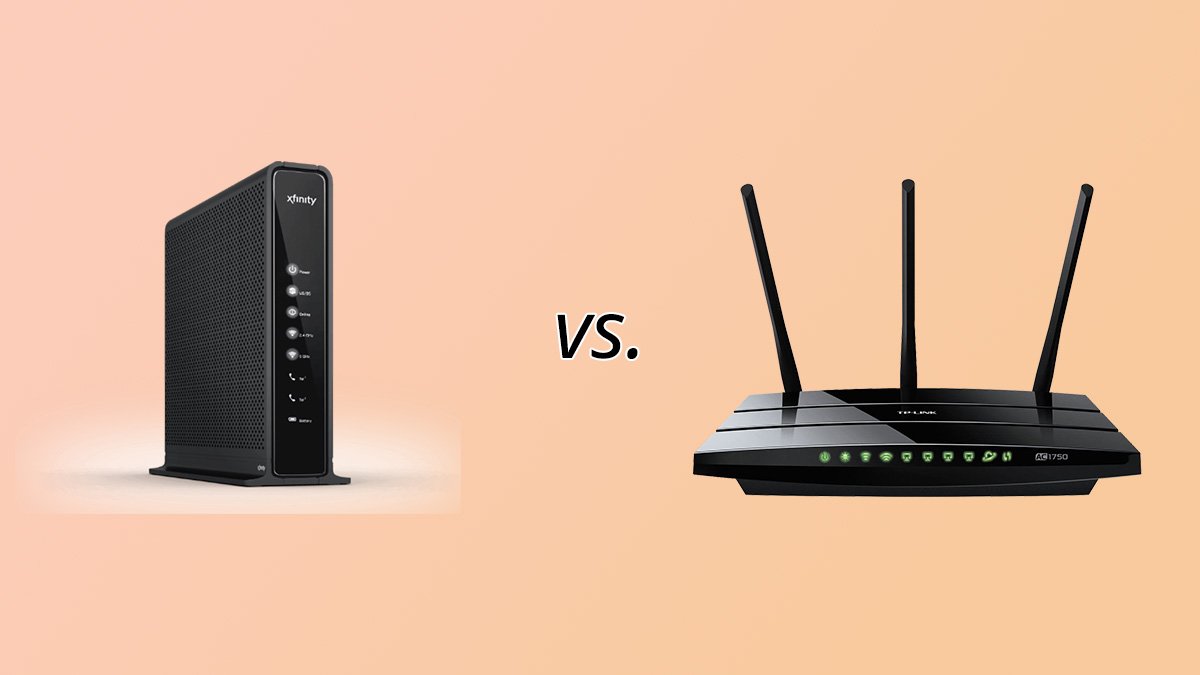
The main difference is that a modem connects your home to your internet provider, whereas a router distributes that connection throughout your home. Although the devices work together, they are not interchangeable in a typical setup. Understanding their individual roles makes it easier to decide which equipment you need.
| Feature | Modem | Router |
|---|---|---|
| Main purpose | Connects to your ISP | Shares the connection |
| Wi-Fi | Usually not included | Usually included |
| Network management | Handles the ISP connection | Manages your home network |
| Device connections | Often connects to a router | Connects multiple devices |
| Typical connection | ISP line or access equipment | Modem, ONT, or another internet source |
| Upgrade benefit | May improve compatibility or connection performance | May improve Wi-Fi coverage and local network performance |
For example, if your internet provider supplies a modem but you want wireless internet throughout your home, you may need a separate router. If you already have a modem-router combo, buying another modem or router may be unnecessary unless you have a specific compatibility or performance problem.
How Do a Modem and Router Work Together?
A modem and router work as a team to bring internet access to your home devices. The modem establishes communication with your ISP, and the router distributes the available connection through Wi-Fi or Ethernet. When you visit a website on your phone, the request travels through the router to the internet connection, and the response returns through your network to the correct device.
Consider a family watching videos, browsing websites, and using laptops at the same time. The modem maintains the connection to the provider, while the router handles the flow of data to and from the different devices. This arrangement allows everyone to share one internet connection without requiring separate modems for individual phones or computers.
What Is the Correct Connection Order?
In a standard setup with separate equipment, the connection usually follows this order: internet service provider, modem, router, and then your connected devices. The modem connects to the incoming internet service, and an Ethernet cable links it to the router’s WAN or internet port. Your devices then connect to the router through Wi-Fi or Ethernet.
Some internet services use different equipment, so the exact setup can vary. For example, fiber internet commonly uses an optical network terminal (ONT) instead of a traditional cable modem. In that case, the ONT connects to the router, and the router distributes the connection throughout your home.
What Is a Modem-Router Combo?
A modem-router combo is a single device that combines the functions of a modem and a router. It connects to a compatible internet service and creates a home network, allowing devices to access the internet through Wi-Fi or Ethernet. Internet providers often supply these all-in-one gateways because they simplify installation and make equipment management easier for customers.
The biggest advantage is convenience. You have fewer devices, fewer cables, and less equipment taking up space near your internet connection. The downside is that your upgrade options may be more limited, and a problem with the combined unit can affect both the internet connection and the home network. Before purchasing one, check whether it supports your ISP, connection type, and subscribed speed.
Is a Combo Device Better Than Separate Equipment?
A combo device can be a sensible choice if you want a simple setup for everyday browsing, video streaming, and online work. Separate equipment may suit you better if you want to upgrade your router without replacing your modem or prefer more control over Wi-Fi features. Neither option is automatically better for every household; the right choice depends on your budget, home size, internet service, and technical needs.
Does a Modem or Router Affect Internet Speed?
Both devices can affect your internet experience, but they influence different parts of the connection. A modem must support your internet technology and the speeds available through your ISP. A router affects how efficiently your devices use the connection, particularly over Wi-Fi. If either device is outdated, incompatible, or unable to handle your network’s demands, you may not get the performance you expect.
For example, imagine paying for a fast internet plan but using an older router with limited wireless capabilities. Your internet connection might be capable of delivering high speeds, yet your laptop could receive a much slower connection over Wi-Fi. Replacing the router may help, but it will not increase the speed supplied by your ISP beyond the limits of your plan.
How Can You Tell Which Device Is Causing Slow Internet?
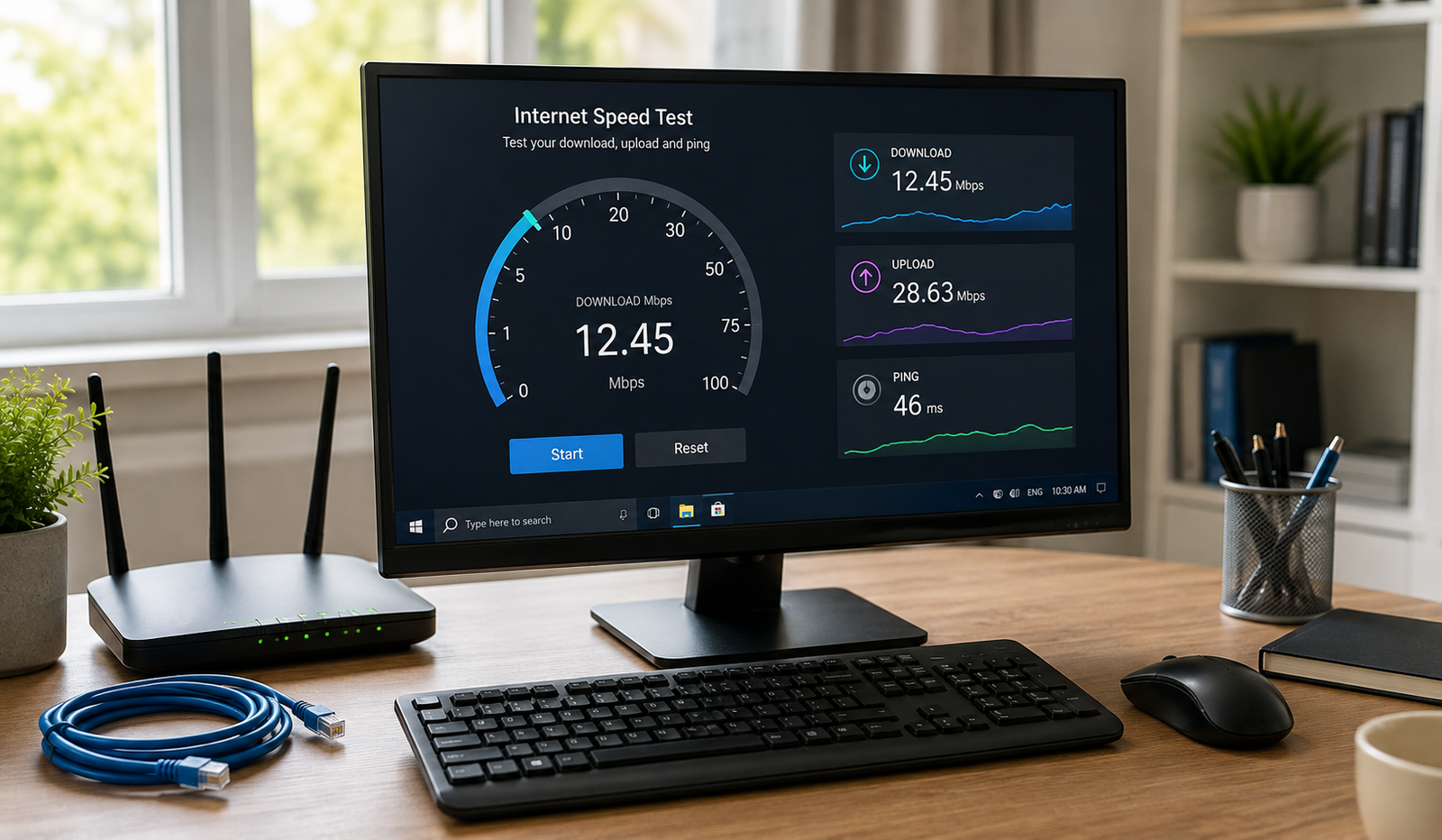
Start by checking your internet plan and testing your connection with a computer connected directly to the router through Ethernet, if possible. Compare that result with a Wi-Fi test performed nearby. If the wired connection is fast but Wi-Fi is slow, the router, wireless interference, or signal strength may be contributing to the problem. If both connections are slow, investigate the modem or ONT, router, cables, and ISP service before buying new equipment.
Internet speed also depends on factors beyond your hardware, including network congestion, the website or service you are using, and the capabilities of your connected devices. A new router can improve local network performance, but it cannot fix every cause of slow internet.
Which Device Should You Buy for Home Internet?
Choosing between a modem, router, or combo device starts with identifying what your current setup already includes. If your internet provider gave you a gateway with Wi-Fi, you may already have both functions in one unit. If you have a separate modem and want stronger wireless coverage, a better router may be the more practical upgrade. If you are replacing a modem, confirm that the new model is compatible with your ISP before spending money.
When Should You Buy a Modem?
Consider buying a modem when you need a compatible replacement for your existing device or want to use your own equipment instead of renting one from your provider. Check the connection technology, supported speeds, and your ISP’s approved equipment list first. A cable modem will not necessarily work with a DSL or fiber connection, and many fiber customers need an ONT supplied or approved by their provider.
When Should You Buy a Router?
A new router makes sense when your current Wi-Fi coverage is weak, your wireless speeds are disappointing, or you need features such as additional Ethernet ports, guest networks, or improved parental controls. If your home has several rooms or multiple floors, you might also consider a mesh Wi-Fi system. However, check your current router’s placement and settings before replacing it, because a simple adjustment may solve the problem.
When Should You Choose a Modem-Router Combo?
Choose a combo device if you prefer a single unit that handles both the internet connection and your home network. It can be convenient for smaller households and people who do not want to manage separate devices. Just make sure the gateway is compatible with your internet service and offers enough Wi-Fi coverage for your home.
Common Modem and Router Problems at Home
Knowing the difference between these devices can save you time when your internet stops working. If every device in your home loses its connection, the issue could involve the modem, router, cables, or your ISP. If the internet works on some devices but not others, the problem may be limited to a particular device or its network settings.
Why Is My Wi-Fi Connected but the Internet Is Not Working?
Your phone can remain connected to the router’s Wi-Fi network even when the router has lost its connection to the internet. Check whether other devices have the same problem, inspect the modem or ONT’s status lights, and check for an ISP outage. Restarting the equipment may help, but avoid resetting it to factory settings unless necessary because that can erase your network configuration.
Why Is My Wi-Fi Weak in Certain Rooms?
Weak Wi-Fi often results from distance, thick walls, interference, or poor router placement rather than a problem with the modem. Place the router in a central, elevated, open location instead of hiding it inside a cabinet or behind large furniture. If your home is large, a mesh Wi-Fi system or properly placed access point may provide better coverage than simply buying a more powerful modem.
Should I Restart My Modem or Router First?
If you use separate devices, power both off, restart the modem first, and wait for its connection to stabilize before turning the router back on. This allows the modem to reconnect to your ISP before the router tries to distribute the connection. If you use fiber equipment or a provider-managed gateway, follow the manufacturer’s or ISP’s restart instructions.
Conclusion
Understanding the difference between a modem and a router for home internet makes it easier to choose equipment and solve everyday connection problems. A modem connects your home to your internet provider, while a router shares that connection with your devices and manages your local network. Both functions are necessary for most conventional home internet setups, whether they come from separate devices or one combined gateway.
Before upgrading your equipment, think about what is actually going wrong. If your internet connection keeps dropping across all devices, investigate the modem, ONT, and ISP connection. If your Wi-Fi is weak in certain rooms, focus on the router and wireless coverage. A little knowledge about how these devices work can help you make a smarter purchase and keep your home network running smoothly.
Frequently Asked Questions
1. What is the main difference between a modem and a router?
A modem connects your home to your internet service provider, while a router distributes that connection to your devices through Wi-Fi or Ethernet. Most traditional home setups need both functions, although a single gateway can perform them together.
2. Can I use a router without a modem?
Yes, a router can create a local network without a modem, but it needs a suitable internet source to provide internet access. Depending on your setup, that source could be an ONT, a compatible cellular connection, or another internet gateway.
3. Does a modem provide Wi-Fi?
A traditional modem usually does not provide Wi-Fi. However, many modern modem-router combos include wireless networking, allowing phones, laptops, and smart TVs to connect without an additional router.
4. Which is more important for home internet, a modem or a router?
Both are important because they perform different jobs. The modem or equivalent access device connects your home to the ISP, while the router manages your local network. The better upgrade depends on whether your problem involves internet connectivity or Wi-Fi performance.
5. Do I need to buy a modem and router separately?
No, you can use separate devices or a compatible modem-router combo. Before buying anything, check your ISP’s equipment requirements and determine whether your current device already includes both functions.
Read also: Customer Service Automation Tools for Online Businesses