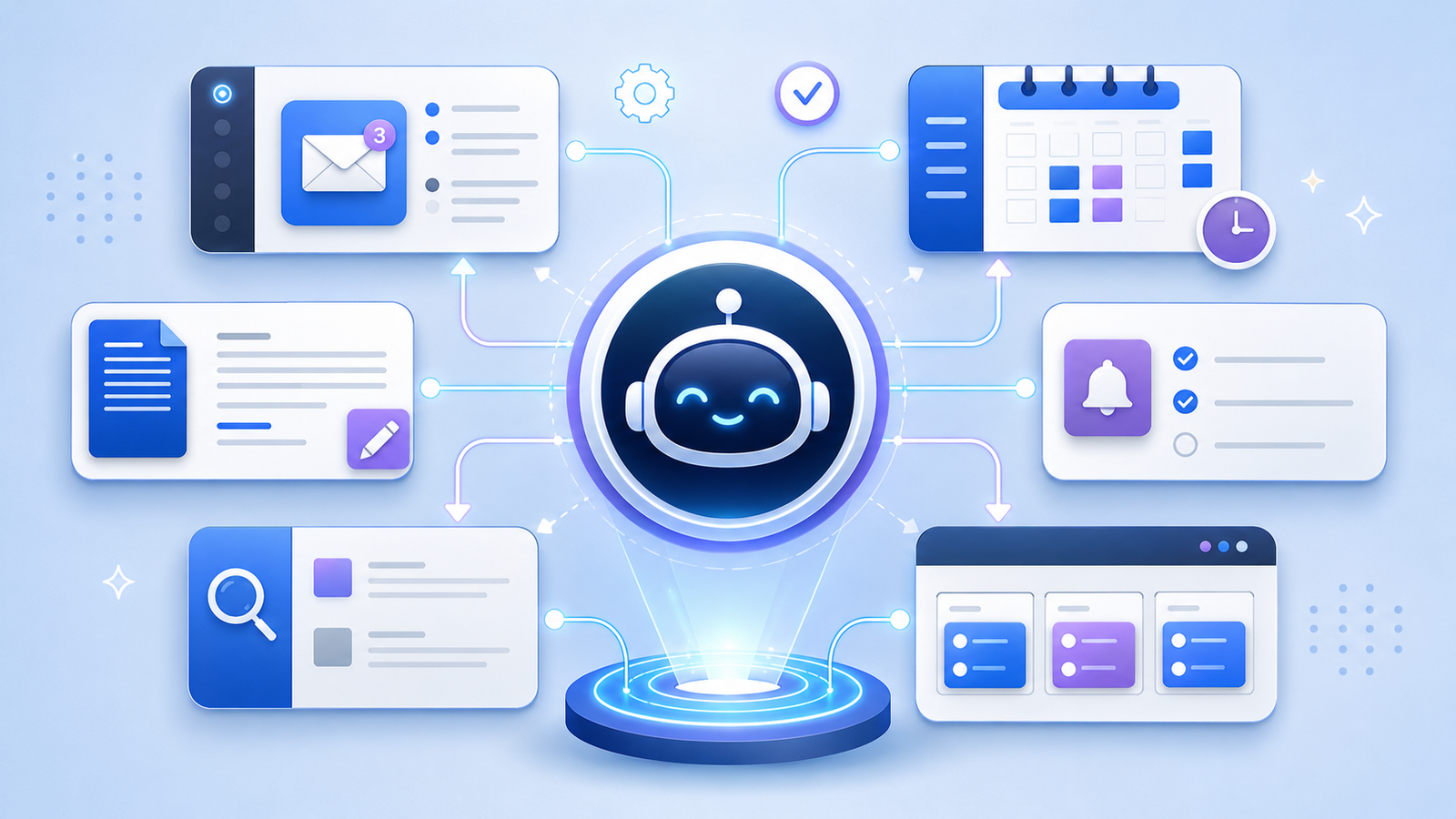
how AI personal assistants handle multiple tasks, manage schedules, organize workflows, and improve everyday productivity with artificial intelligence. Imagine starting your morning with a busy schedule. You need to check emails, organize meetings, prepare a document, remember an important deadline, and find information for a project. Doing everything manually can take hours, especially when several responsibilities compete for your attention. This is where AI personal assistants become useful. Modern AI assistants can handle different types of tasks, understand instructions, organize information, and help users manage their daily responsibilities from a single interface. Instead of switching between multiple applications and completing every small activity yourself, you can ask an AI assistant to help coordinate different parts of your routine. But how does this technology actually work? How can one assistant manage several requests without losing track of important details? Understanding how AI personal assistants handle multiple tasks reveals how artificial intelligence is changing everyday productivity, communication, and digital work.
What Are AI Personal Assistants?
AI personal assistants are software applications that use artificial intelligence to understand user requests and help complete different activities. Unlike traditional digital assistants that mainly respond to simple voice commands or predefined questions, modern AI-powered assistants can understand natural language, maintain conversational context, summarize information, and support more complicated workflows. For example, you might ask an assistant to summarize an email, create a meeting agenda, organize your schedule, and prepare a reminder for tomorrow. Depending on its available features and connected applications, it may complete these activities directly or guide you through the necessary steps. Some assistants focus on conversations and information, while others can interact with calendars, email platforms, documents, and productivity applications.
How AI Personal Assistants Handle Multiple Tasks
AI personal assistants handle multiple tasks by interpreting instructions, identifying individual activities, organizing them into manageable steps, and using available tools to complete them. When a user submits a complicated request, the assistant first tries to understand the overall goal rather than treating the entire instruction as one simple action. It can separate the request into smaller activities, identify which actions depend on others, and determine an appropriate order. For instance, if you ask an assistant to arrange a business meeting, prepare an agenda, and send invitations, it may first identify the meeting requirements, check calendar availability if connected, prepare the agenda, and then draft or send invitations with the required permission. This approach is often called task decomposition, and it helps AI systems manage complicated instructions more effectively.
1. Understanding and Breaking Down User Instructions
The first important step in multitasking is understanding what the user actually wants. AI assistants use natural language processing and language models to interpret everyday instructions, recognize important details, and identify relationships between different requests. A person does not always provide instructions in a perfectly organized format. Someone might say, “Check my schedule for tomorrow, find a suitable time for lunch, and remind me to finish the report.” An AI assistant needs to recognize that this request contains several separate activities. It identifies the calendar-related request, the scheduling requirement, and the reminder. Once the individual tasks are understood, the assistant can determine what information or tools are needed for each one. This ability to understand ordinary language makes multitasking easier because users do not have to communicate through complicated technical commands.
2. Prioritizing Tasks Based on Importance
Not every activity deserves the same level of attention. Some tasks have strict deadlines, while others can wait until later in the day. AI personal assistants can help organize activities according to urgency, deadlines, user instructions, and task dependencies. For example, preparing for an important meeting scheduled in one hour may deserve attention before organizing next week’s reading list. An assistant can examine the available information and suggest which activity should be handled first. However, prioritization does not always happen automatically. The system may need clear instructions about deadlines, personal preferences, and what matters most to the user. When these details are available, AI-powered task management becomes more practical. It helps people avoid spending too much time on minor activities while important responsibilities remain unfinished.
3. Managing Several Applications at Once
One of the most useful features of modern AI assistants is their ability to work with different applications. People commonly use separate platforms for communication, scheduling, document creation, file storage, and project management. Moving between these applications throughout the day can interrupt concentration and waste valuable time. An AI assistant with suitable integrations can help bring these activities together. For example, it might retrieve information from an email, use calendar details to suggest a meeting time, and help prepare a document using relevant project information. Some assistants can perform these actions through connected tools, while others only provide instructions or draft content. The exact capabilities depend on the platform, available integrations, and account permissions. Still, connecting different applications can make everyday digital work more organized.
4. Using Context to Remember Ongoing Tasks
Imagine asking an assistant to prepare a project summary and then requesting a shorter version a few minutes later. You probably expect it to understand that the second request refers to the same document. This is where conversational context becomes important. AI assistants can use information from earlier messages in a conversation to understand follow-up instructions and maintain continuity between related activities. Some systems also offer memory features that retain selected preferences or useful information across conversations. This can make repeated tasks easier because users do not always need to explain everything again. However, conversational context and long-term memory are not the same thing. An assistant may remember details within an active conversation without retaining them permanently. Users should also avoid assuming that every AI platform remembers every task or personal detail automatically.
5. Automating Repetitive Everyday Activities
Repetitive activities often consume more time than people realize. Checking messages, creating reminders, organizing files, preparing routine summaries, and updating task lists are common examples. AI personal assistants can reduce some of this manual work by helping users create reusable workflows and automate supported actions. For instance, an assistant might summarize incoming information, prepare a daily activity report, or create reminders based on specific instructions. More advanced systems can connect multiple actions into a single workflow. However, automation depends on the available tools and permissions. An assistant cannot automatically access every application or make changes to external accounts without the necessary integration. When configured properly, these capabilities can reduce routine work and give people more time to focus on activities that require attention and judgment.
6. Handling Communication and Email Management
Communication is another area where multitasking assistants can be particularly helpful. Many people receive dozens of emails and messages every day, making it difficult to identify important information quickly. AI assistants can summarize long email conversations, identify requested actions, draft replies, and help organize communication according to its purpose. For example, a user might ask an assistant to summarize a discussion about a project, identify the main decisions, and prepare a professional response. Instead of reading the entire conversation repeatedly, the user receives a shorter explanation of the important details. Some connected assistants can also create email drafts or send messages after receiving authorization. Reviewing important messages before sending them remains a sensible practice because AI-generated responses can misunderstand context or include inaccurate details.
7. Organizing Calendars, Meetings, and Reminders
Managing a busy schedule requires more than remembering dates and times. People also need to consider meeting durations, deadlines, travel time, personal commitments, and preparation requirements. AI personal assistants can help organize these details by checking available calendar information, identifying possible scheduling conflicts, and suggesting suitable time slots. A user might request a meeting for Thursday afternoon and ask for a reminder to prepare the presentation beforehand. If the assistant has calendar access, it may help check availability and create the necessary event or reminder. Some platforms can also help prepare meeting agendas and summarize discussions afterward. These features make scheduling more convenient, although users should verify important dates, time zones, and participant details before confirming appointments.
8. Switching Between Different Types of Tasks
Human productivity often suffers when attention constantly moves between unrelated activities. Someone might begin writing a report, stop to answer an email, check a meeting invitation, and then return to the original document. AI personal assistants can help manage these different requests without requiring users to explain every activity from the beginning. For example, an assistant may help with writing, answer a research question, summarize a document, and then return to an earlier discussion when the relevant context is available. This does not mean every AI system performs all tasks simultaneously. Many assistants process requests sequentially or coordinate separate tool calls behind the scenes. The important advantage is that users can manage different activities through a more consistent interface instead of manually navigating every individual process.
9. Connecting Different Tasks Through AI Workflows
Some activities become useful only when they are connected to other activities. Preparing a report, for example, may require collecting information, reviewing documents, organizing findings, and creating a final summary. AI assistants can coordinate these steps through workflows that connect related actions. First, the system identifies the desired result. Next, it determines which information is required and which tools can provide it. After collecting the necessary details, it can help organize the information into a useful format. Some advanced AI agents can also monitor progress and move between workflow stages with limited human involvement. This approach is particularly useful for repetitive business activities, research projects, and administrative responsibilities. Nevertheless, complicated workflows should include opportunities for human review, especially when the results affect important decisions.
10. Learning User Preferences and Improving Productivity
An assistant becomes more useful when it understands how someone prefers to work. For example, one person may prefer short email summaries, while another wants detailed explanations with important dates and action items. AI systems can adapt their responses using instructions, conversation history, and available memory features. Some platforms also support customized settings that influence how tasks are organized and presented. This can make daily interactions more convenient because users spend less time correcting the assistant’s format or repeating their preferences. However, personalization has limitations. AI assistants do not automatically understand every personal preference, and their memory capabilities vary between services. Users should provide clear instructions and review privacy settings to understand what information may be stored or used.
Real-Life Examples of AI Personal Assistants Handling Multiple Tasks
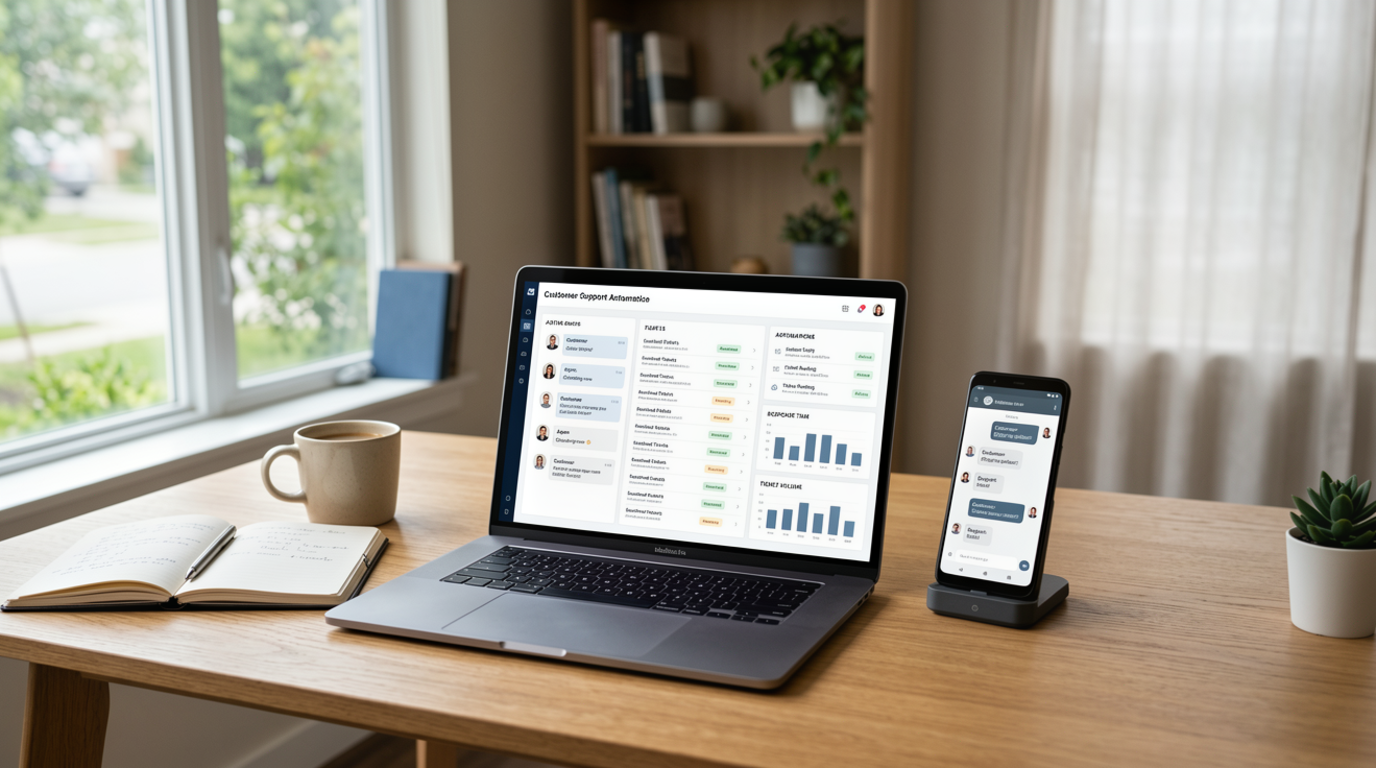
Consider a small business owner who begins the day with several responsibilities. They need to review customer emails, prepare a product update, arrange a team meeting, and organize information for a weekly report. Rather than completing each activity separately, they can use an AI assistant to help summarize customer messages, draft the product update, check connected calendar availability, and organize relevant information for the report. Another example involves a college student preparing for examinations. The student might ask an assistant to organize a study timetable, summarize lecture notes, create revision questions, and set reminders for upcoming assignments. In both situations, the assistant helps coordinate different activities and reduces repetitive effort. The user still needs to review the results, provide missing information, and make important decisions.
Popular AI Personal Assistants and Their Multitasking Capabilities
Several AI platforms offer features that support different types of tasks. ChatGPT can assist with writing, research, document analysis, planning, and supported workflows through available tools and integrations. Google Gemini offers AI assistance across supported Google services and can help users work with information, communication, and productivity tasks. Microsoft Copilot supports tasks such as writing, summarization, and productivity workflows across compatible Microsoft products. Apple Siri provides voice-based assistance and can perform supported actions across compatible Apple devices and services. These platforms are not identical. Their multitasking capabilities depend on the specific version, device, subscriptions, integrations, and permissions. Choosing an assistant therefore requires looking beyond its marketing description and checking whether it supports the applications and activities you actually use.
Benefits of Using AI Personal Assistants for Multiple Tasks
The biggest advantage of multitasking AI assistants is the ability to reduce the effort involved in managing everyday responsibilities. They can help organize information, prepare content, manage schedules, summarize communication, and support repetitive workflows. This can save time, particularly for people who regularly switch between different digital applications. Another benefit is improved organization. Instead of keeping every deadline, instruction, and small activity in your head, you can use an assistant to create structured reminders and task summaries. AI tools can also make certain activities more accessible to people who prefer voice commands or conversational instructions. However, productivity improvements depend on how well the tools fit into existing routines. Using too many AI features without a clear purpose can create additional complexity rather than making work easier.
Challenges and Limitations of AI Multitasking
Although AI personal assistants can manage many activities, they are not perfect. One common limitation is misunderstanding instructions. If a request is unclear or contains conflicting information, the assistant may select the wrong action or produce an unsuitable result. AI systems can also generate inaccurate information, overlook important details, or misunderstand the context of a conversation. Another concern involves privacy. Connecting an assistant to email, calendars, documents, and other applications may expose sensitive information to additional services. Users should understand permissions and review the privacy policies of the platforms they use. There are also technical limitations, including unavailable integrations, usage restrictions, and occasional service interruptions. For these reasons, AI assistance should support human decision-making rather than replace it completely.
How to Use AI Personal Assistants More Effectively
Getting better results starts with giving clear instructions. Instead of asking an assistant to organize everything, explain the specific activities you want it to handle and identify which tasks are most important. For example, you might ask it to summarize three documents, prepare a meeting agenda, and create a draft email using the information provided. It is also helpful to divide complicated projects into smaller stages. This makes it easier to review progress and identify mistakes before they affect the final result. When using connected applications, provide only the permissions necessary for the task. Finally, review important actions before allowing an assistant to send messages, modify files, schedule appointments, or share information. A little supervision can make AI multitasking considerably more reliable.
The Future of AI Personal Assistants and Multitasking
AI personal assistants are gradually moving beyond simple question-and-answer interactions. Newer systems are increasingly designed to understand larger goals, coordinate multiple tools, and complete several connected activities. AI agents represent an important part of this development because they can plan actions, use available tools, and respond to the results of earlier steps. In the future, assistants may become better at managing complex schedules, coordinating business workflows, organizing digital information, and helping people complete projects with less manual effort. Improvements in reasoning, personalization, and application integration could make these systems more capable. However, privacy, security, accuracy, and user control will remain important considerations. The most useful assistants will not simply perform more actions; they will perform the right actions while keeping users informed and involved.
Conclusion
AI personal assistants handle multiple tasks by understanding instructions, dividing complicated requests into smaller activities, prioritizing responsibilities, and using available tools to complete connected actions. They can support email management, scheduling, research, writing, reminders, and everyday productivity. Their biggest strength is not simply completing several activities but helping users manage different responsibilities in a more organized way. However, their performance depends on available integrations, clear instructions, reliable information, and appropriate permissions. Human supervision remains important, particularly when tasks involve private information or significant decisions. As artificial intelligence continues to develop, personal assistants are likely to become more capable of coordinating everyday activities. Used thoughtfully, they can become valuable digital helpers that make busy routines easier to manage.
Frequently Asked Questions
1. How do AI personal assistants manage multiple tasks at once?
AI personal assistants manage multiple tasks by understanding user instructions, breaking requests into smaller activities, identifying priorities, and using available tools to complete them. Depending on the platform, tasks may be processed sequentially or coordinated through connected workflows.
2. Can AI personal assistants work with multiple applications?
Yes, many modern AI assistants can interact with multiple applications through supported integrations. These may include email services, calendars, document editors, cloud storage, and project management tools. The available features depend on the assistant and the permissions granted by the user.
3. Can AI personal assistants prioritize daily tasks?
Yes, AI assistants can help organize tasks based on deadlines, urgency, importance, and user instructions. They can suggest which activities deserve attention first, although users should provide accurate information about their priorities and responsibilities.
4. Are AI personal assistants capable of working without human supervision?
Some AI assistants can complete certain routine activities with limited supervision, especially when they have access to the necessary tools and permissions. However, important actions involving money, private information, communication, or business decisions should receive human review.
5. What is the difference between an AI personal assistant and an AI agent?
An AI personal assistant is a broader term for software that helps users manage information and activities. An AI agent generally refers to a system that can plan and execute multiple steps toward a goal using available tools, sometimes with less direct human involvement.
Read also: Best Browser Privacy Settings for Everyday Internet Users