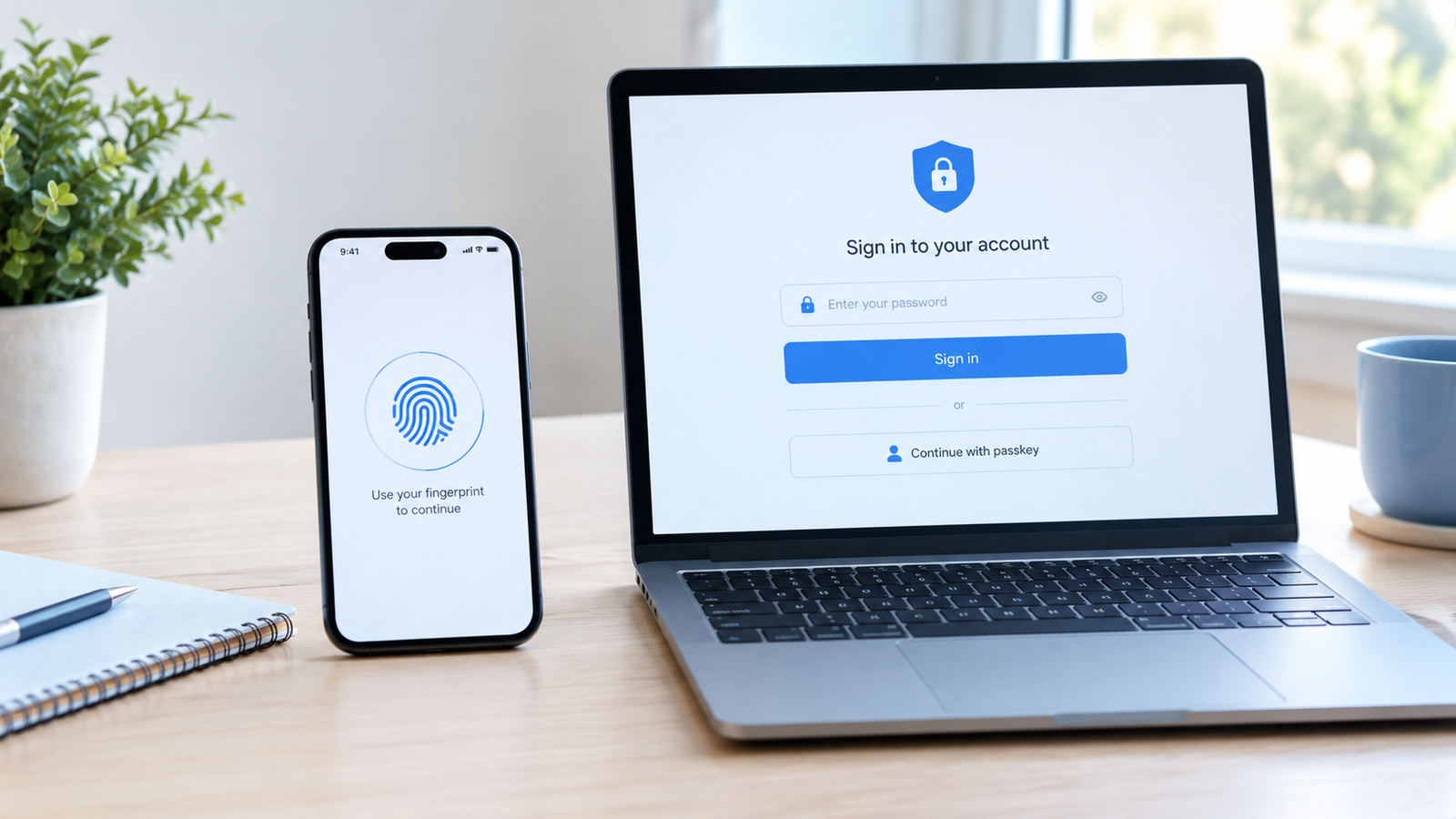
what is a passkey and should i switch from passwords? Learn how passkeys work, their benefits, potential risks, and how to set one up safely. The good news is that passkeys are designed to make signing in both easier and more secure. Instead of typing a password, you can often use your fingerprint, face recognition, or device PIN to confirm your identity. In this guide, we’ll explain what a passkey is, how it differs from a traditional password, its benefits and limitations, and how to decide whether switching makes sense for your everyday accounts.
What Is a Passkey?
A passkey is a digital sign-in credential that allows you to access an online account without entering a traditional password. It uses public-key cryptography to verify your identity, usually with help from your phone, computer, or password manager. When you sign in, you may simply confirm your identity with a fingerprint, face scan, or screen lock PIN instead of remembering and typing a password.
For example, imagine opening Gmail on your laptop. Rather than typing your email address and password, you select the passkey option and approve the sign-in on your phone. The website checks the cryptographic proof provided by your device, and you can access your account without sending a reusable password to the website. This makes the process quicker and helps protect you from common password theft methods.
How Does a Passkey Work?
Passkeys work through a security method called public-key cryptography. When you create a passkey for a website, your device or password manager generates a pair of related digital keys. The private key stays within your credential storage system, while the website stores the corresponding public key. During sign-in, the website sends a challenge that your device uses the private key to answer. The website checks the response using the public key to confirm that the passkey is valid.
You don’t need to understand the technical details to use one. Most of the process happens in the background, and your device handles the security checks for you. Your fingerprint or face recognition typically unlocks the passkey locally; it isn’t sent to the website as your login credential.
What Happens When You Sign In With a Passkey?
The process is usually straightforward. You open a website or app, select the passkey sign-in option, and choose the passkey associated with your account if prompted. Your device may then ask you to use your fingerprint, face recognition, or screen lock. Once you approve, the website verifies the response and grants access if everything checks out. Depending on your device and account setup, you may not need to type your username or password at all.
What Is the Difference Between a Passkey and a Password?
The biggest difference is how your identity is verified. A password is a secret string of characters that you enter and send to a service for verification. A passkey uses a cryptographic key pair, allowing a service to verify that you have the correct credential without asking you to submit a reusable password. This changes the way your account is protected and reduces the opportunities for attackers to steal your login information.
Passwords can still be secure when they’re long, unique, and stored in a reputable password manager. However, they can be exposed through phishing pages, data breaches, or unsafe storage habits. Passkeys are designed to address many of these weaknesses by making authentication more resistant to fake websites and credential theft.
Why Are Passkeys Considered More Secure?
Passkeys are considered more secure because they help prevent several common attacks against passwords. One major advantage is phishing resistance. If someone creates a fake website that looks like your bank’s login page, your passkey is designed to recognize the legitimate website’s identity and won’t normally authenticate you to the impostor. Passkeys also avoid the need to remember and reuse passwords across multiple accounts, reducing the damage that can result from a stolen password. Although no security method is perfect, passkeys provide a strong defense against many everyday account-takeover attempts.
Passkeys Help Protect Against Phishing
Phishing happens when criminals trick people into entering login details on fake websites or sharing them through deceptive messages. A convincing email might claim that your account will be closed unless you sign in immediately. With a traditional password, you might accidentally give your credentials to the attacker. A properly implemented passkey checks the website’s identity as part of the authentication process, so it is much harder to trick you into using that credential on a fake site.
Passkeys Reduce Password Reuse Risks
Many people reuse passwords because creating and remembering a different password for every website feels like too much work. Unfortunately, if one website suffers a data breach, attackers may try the exposed password on other services. Passkeys use separate credentials for different websites, so a compromised website’s public-key information doesn’t give an attacker your private key for another account. This is an important advantage for people who have many online accounts.
Websites Don’t Receive Your Private Passkey Key
When you create a passkey, the website stores the public key needed to verify sign-ins, not the private key used to produce the authentication response. This means a breach of the website’s stored passkey data does not expose a collection of reusable passwords in the same way that a password database might. However, the service can still face other security risks, and attackers may target your device, recovery process, or account sessions instead.
What Are the Main Benefits of Using Passkeys?
The biggest benefit of a passkey is that it can make everyday sign-ins both simpler and safer. You don’t have to remember a complicated password or keep resetting it because you’ve forgotten it. On supported devices, you can authenticate with a familiar screen lock, fingerprint, or face recognition. Passkeys also help reduce phishing risks and remove the temptation to reuse the same password everywhere. For people who manage many accounts, these advantages can make online security easier to maintain rather than another task to remember.
Are There Any Disadvantages to Passkeys?
Passkeys have some limitations, so switching doesn’t mean you can ignore account security altogether. You may encounter websites that don’t support them, older devices that have limited compatibility, or login systems that still require a password for certain tasks. Losing access to the device or account that stores your passkeys can also complicate sign-in if you haven’t set up synchronization or recovery options. In addition, a passkey doesn’t automatically protect you from every threat, such as someone using an already-unlocked device or abusing a weak account recovery process.
What Happens If You Lose Your Phone?
Losing your phone doesn’t always mean losing your passkeys. If they’re securely synchronized through a supported password manager or account ecosystem, you may be able to access them from another authorized device. If the passkey exists only on the lost device, recovery depends on the website’s alternative sign-in methods and account recovery process. That’s why it’s worth checking how your passkeys are stored before relying on them as your only way to access important accounts.
Do Passkeys Work on Every Website and Device?
No, passkey support varies by website, app, operating system, browser, and credential manager. Many major online services support passkeys, but some smaller websites and older systems still rely on passwords. Cross-device sign-in is possible in many situations, although the exact process depends on compatibility and where your passkey is stored. Before removing an existing login method, check that you can sign in successfully on the devices you regularly use.
Should I Switch From Passwords to Passkeys?
For most people, yes, switching to passkeys on supported accounts is a sensible security upgrade. They’re particularly useful for email accounts, social media profiles, cloud storage, and other services that hold personal information or provide access to other accounts. You don’t have to abandon passwords everywhere at once. Start with your most important accounts, create a passkey, test it, and make sure you understand the recovery options. You can continue using strong, unique passwords on websites that don’t support passkeys.
Which Accounts Should You Protect First?
Start with your primary email account because it may be used to reset passwords for many other services. Next, consider your password manager, cloud storage, social media accounts, and financial services that support passkeys. If an attacker takes over your main email account, they may be able to request password resets elsewhere, so protecting it deserves special attention. Your priority should be the accounts that would cause the greatest disruption if someone gained access to them.
Should You Delete Your Passwords After Creating Passkeys?
No, not immediately. Some websites continue to offer password sign-in even after you’ve created a passkey, and their account recovery systems may still rely on your existing password. Keep a strong, unique password where it’s required, and store it in a reputable password manager if possible. Once you’ve confirmed that passkey sign-in works reliably and understand the service’s recovery options, you can review whether the website allows you to disable password-based sign-in. Only do this if you’re confident you won’t lock yourself out.
How to Set Up a Passkey on Your Account
Setting up a passkey usually takes only a few minutes. Visit the official website or open its app, go to the account’s security settings, and look for an option such as “Passkeys,” “Create a passkey,” or “Add a passkey.” Follow the instructions to save the credential to your device or supported password manager. You may need to confirm your identity with your existing login method first. After setup, sign out or open another browser session and test the passkey so you know how it works before depending on it.
How to Create a Passkey for Google
If you want to start with your Google account, visit the official Google passkeys page and follow the instructions for your device. Google supports passkeys that can be used to sign in with compatible devices and credential managers. Make sure your recovery email and phone number are up to date, and check which devices or password managers have access to your credentials. Once you’ve created your passkey, test it and keep your account recovery options available.
How to Create a Passkey on an iPhone or Android Phone
On an iPhone, passkeys can be stored and managed through Apple’s supported password and passkey features, while Android devices commonly use Google Password Manager or another compatible credential manager. The exact steps depend on your operating system version and the website you’re signing into. When prompted to create a passkey, read the storage option carefully and make sure you’re saving it somewhere you can access from your other devices if needed. You can learn more through Apple’s official passkey guide.
How to Use Passkeys Safely
A passkey is a strong security tool, but your overall account protection still matters. Use a screen lock on your phone and computer, install software updates, and keep your main email and credential-manager accounts secure. Review recovery methods and remove access for devices you no longer own. Never approve a login prompt you didn’t initiate, and be cautious of messages asking you to visit unfamiliar links. Passkeys make stolen credentials much less useful to attackers, but they don’t remove the need for sensible security habits.
Passkeys vs. Password Managers: Do You Need Both?
A password manager and a passkey aren’t necessarily alternatives. A password manager can store unique passwords for websites that haven’t adopted passkeys, and many password managers can also store and synchronize passkeys across supported devices. Using both can make the transition easier because you don’t need to wait for every website to support passwordless sign-in. The key is to choose a trusted credential manager, protect its account with strong authentication, and understand how to recover access if you lose a device.
Are Passkeys the Future of Online Security?
Passkeys are an important step toward a future with fewer passwords, but traditional passwords won’t disappear overnight. Websites must implement support, devices and browsers need to be compatible, and people need clear ways to recover their accounts when something goes wrong. Even so, passkeys address long-standing weaknesses in password-based authentication while making sign-in easier for many users. As more services adopt them, you can expect passkeys to become a more common option for everyday online accounts.
Conclusion
Yes, for most users, passkeys are worth adopting wherever they’re supported. They make signing in easier, reduce the risk of phishing, and remove the need to remember another password for every compatible account. The best approach is to start with your main email account, secure your other important services, and test your recovery options before removing any existing login method. You don’t need to change everything in one day. A gradual switch gives you the benefits of stronger authentication without making account access unnecessarily complicated.
Frequently Asked Questions About Passkeys
1. What is a passkey in simple words?
A passkey is a digital credential that lets you sign in to an account without typing a traditional password. You usually confirm your identity using your fingerprint, face recognition, or device PIN, while cryptographic technology verifies that you have the correct credential.
2. Is a passkey safer than a password?
In many situations, yes. Passkeys are designed to resist phishing and prevent websites from storing reusable login secrets. However, device security, account recovery methods, and the protection of your credential manager still matter.
3. Can someone hack my passkey?
Passkeys are difficult to steal through common phishing attacks, but no security system is completely immune to every threat. Attackers may still target your device, account recovery process, or active login sessions. Keeping your devices updated and protecting your accounts remains important.
4. What happens if I lose my phone with my passkeys?
Your passkeys may be available on another device if they’re synchronized through a supported credential manager. If they’re stored only on your lost phone, you’ll need to follow the website’s account recovery process or use another available sign-in method.
5. Do I still need a password if I have a passkey?
It depends on the website. Some services let you use passkeys as your primary sign-in method, while others retain passwords as an alternative. Keep a strong, unique password wherever it’s still required, and don’t remove existing login options until you’ve tested your passkey and recovery process.
Read also: What Is Ekusupedexia? The Future of Online Identity Systems